Connecting Your Accounting Platform to Bookkeep to Enable Financial Data Syncing
1. Connect Your Accounting Platform
After you create your account at https://app.bookkeep.com/signup, you will be prompted to connect your accounting platform to your new entity:
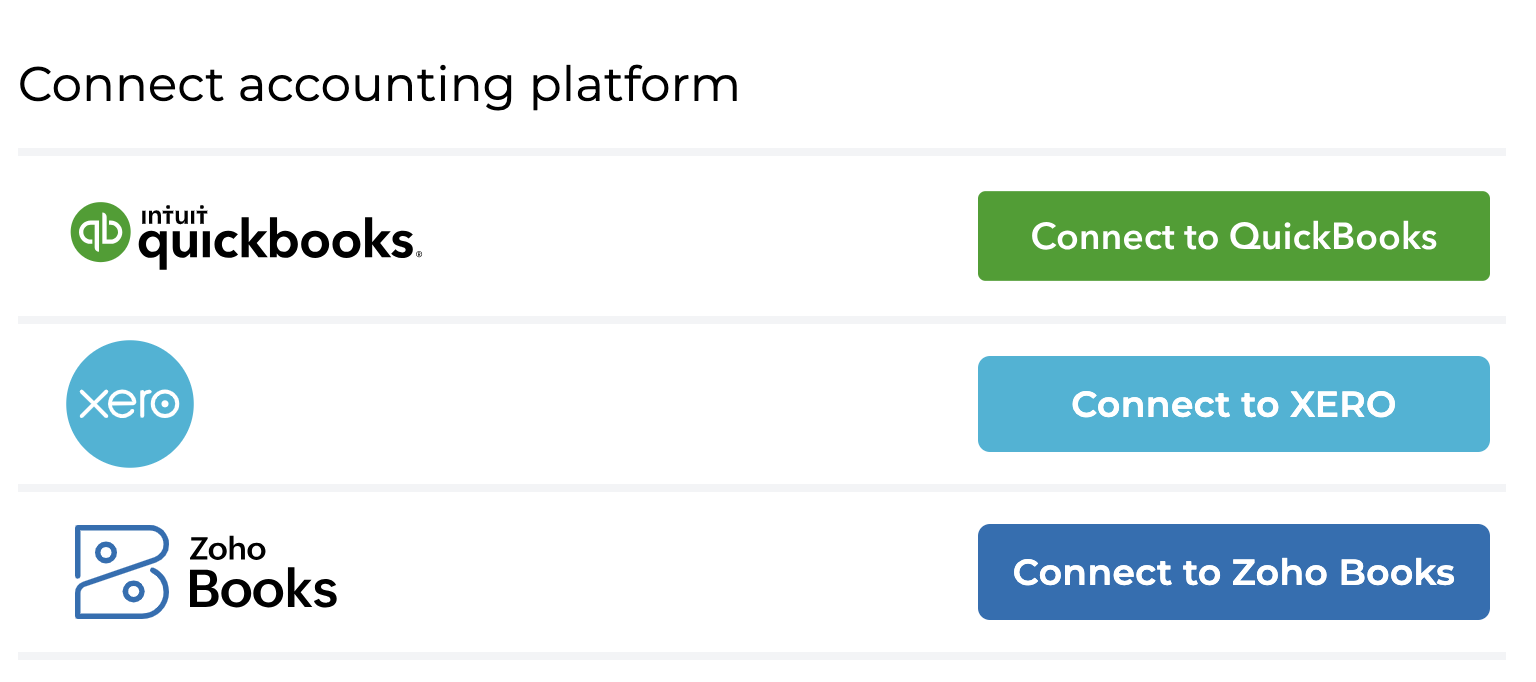
We currently support connection to QuickBooks Online, Xero, Zoho Books, and Sage Intacct.
You can skip this step initially, but remember to complete the accounting connection later by navigating to 'Connections' in the left-side menu and selecting the 'Accounting' tab. See detailed instructions here.
2. Log Into Your Accounting Platform
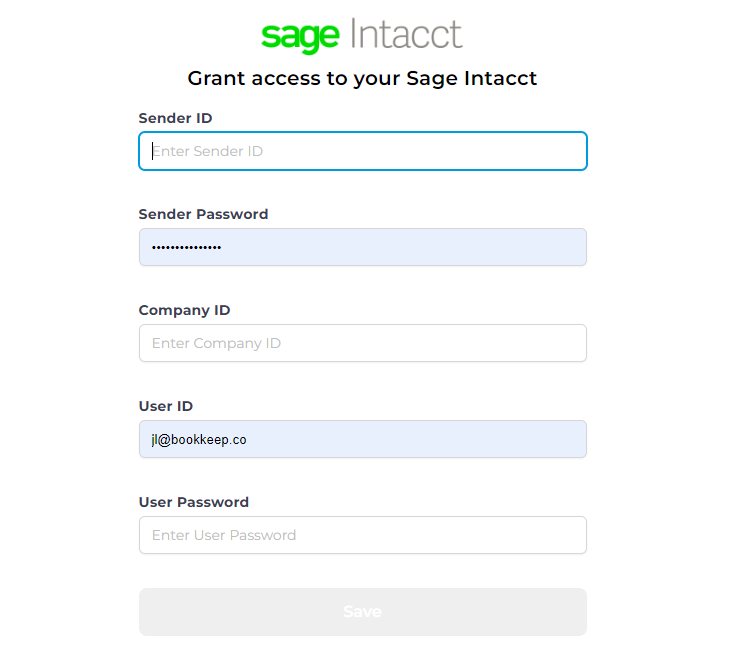
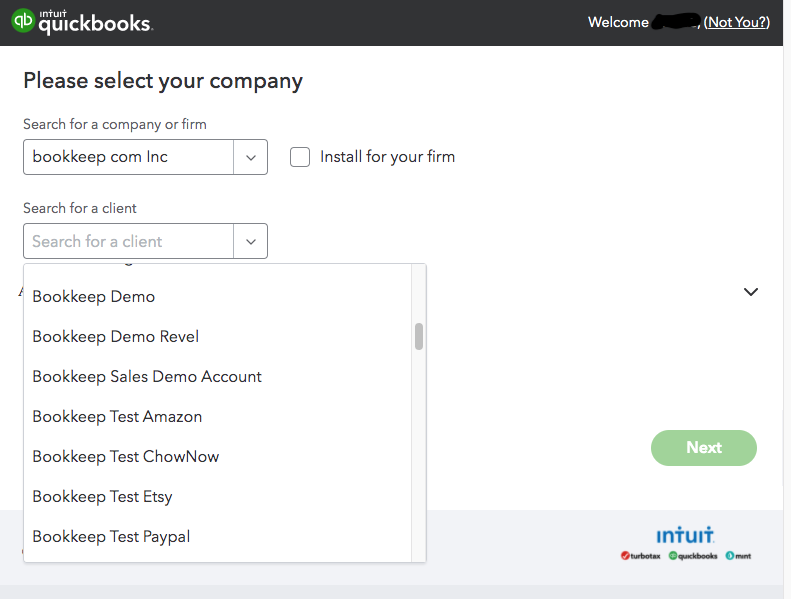
Clicking on the appropriate link above for connecting your accounting platform will open a pop-up window where you can enter your login credentials used to access your accounting platform:
Quickbooks Online
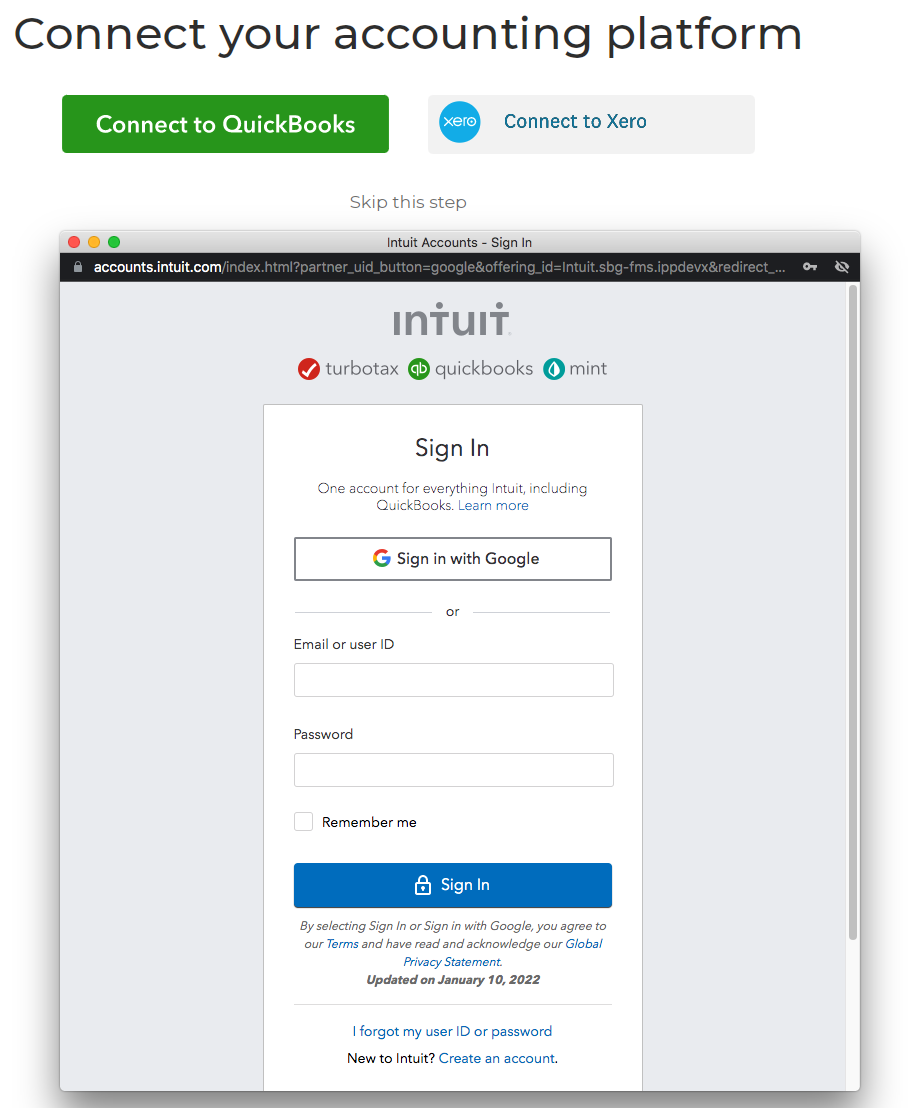
Xero
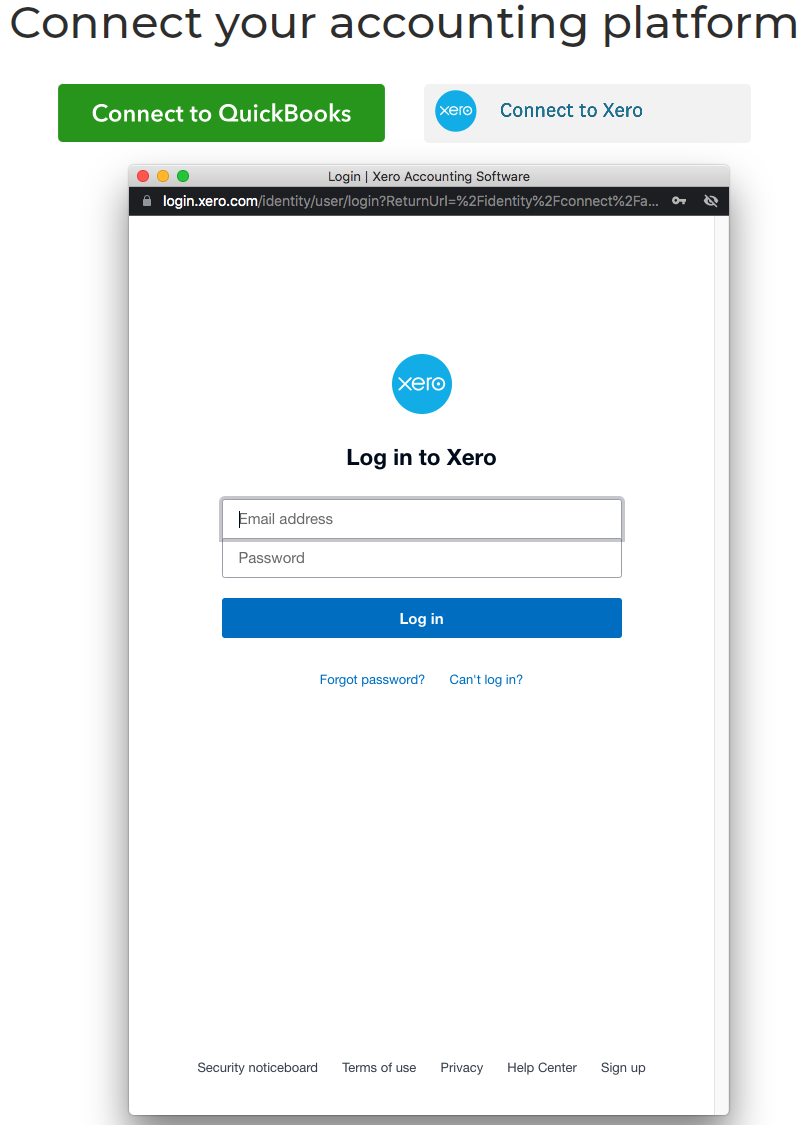
Zoho Books
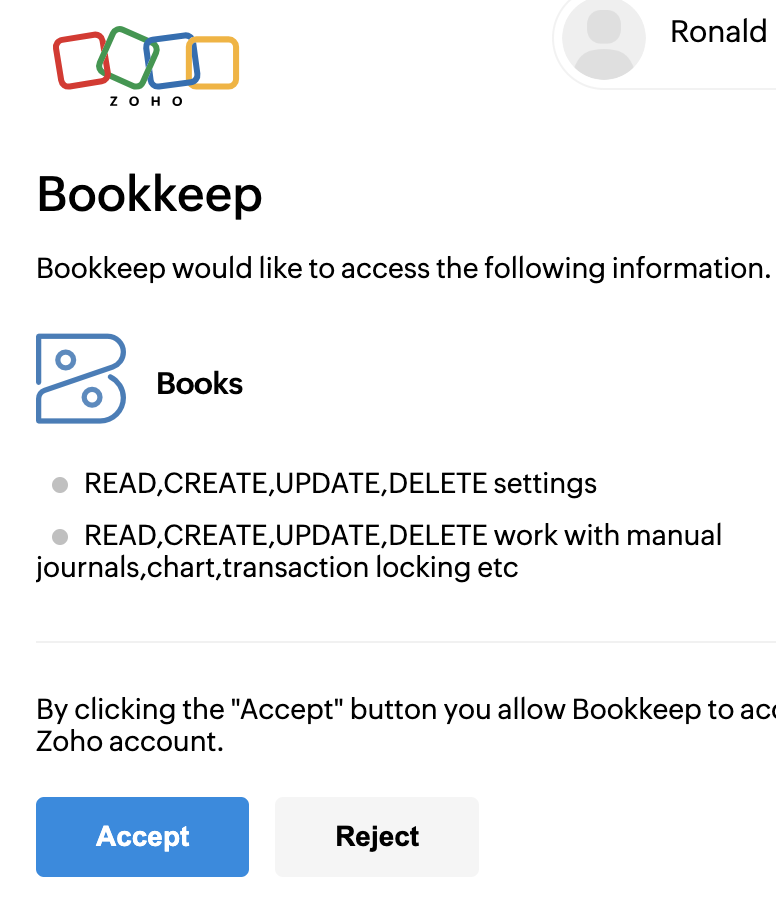
Sage Intacct
If you have an accounting/bookkeeping practice with multiple clients, be sure that you select the appropriate company file for your client you are setting up.
3. Connection Options
Upon successful completion of the previous step, your connection will be displayed under the "Accounting" tab on the "Connections" view as shown below, which gives you a few options:
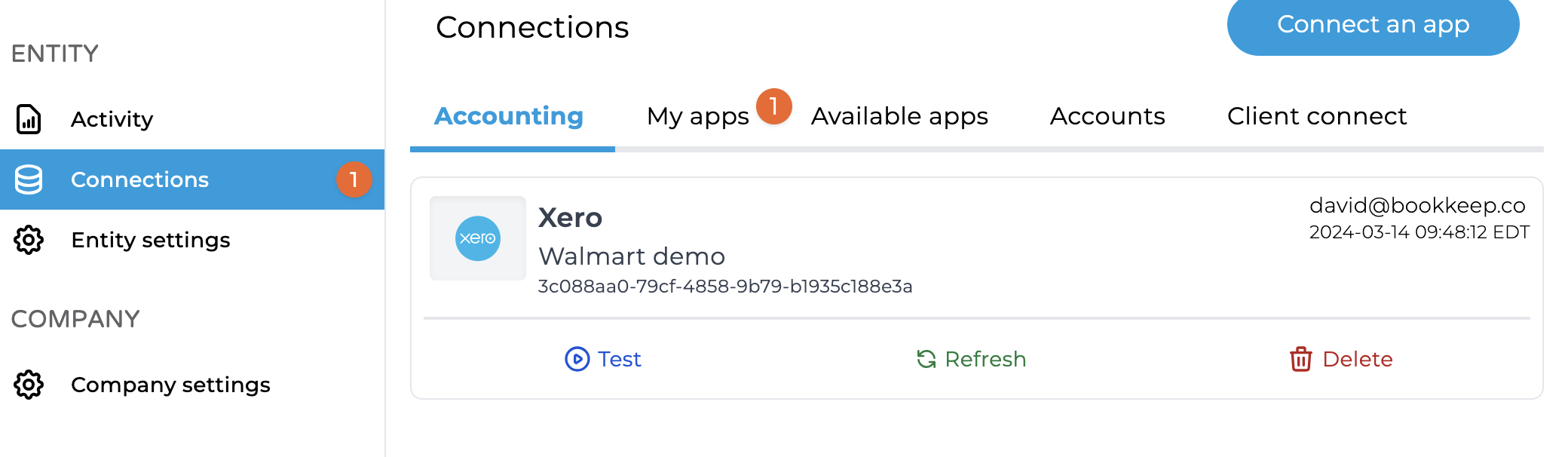
Refresh
This function is useful when you create new accounts or tax rates in your accounting platform, which will then be picked up and displayed in the mapping windows for your connected apps.
Test
This button will test the integrity of your accounting platform connection to verify the connection is fully operational.
Delete
This button allows you to remove the connected accounting platform.
4. Connect Additional Apps
After this step is completed, you will need to connect your ecommerce and point-of-sale apps to start posting your data to your accounting platform.
If you decide to skip this step, you can still connect your apps to import data into Bookkeep for previewing without posting it to your accounting records. However, remember that you won't be able to map this incoming data to your accounting platform accounts until you complete the accounting connection process.
One Accounting Platform Per Entity
An entity can only ever have one accounting platform and company file connected to it, for the life of the entity. You cannot switch an existing entity to a different accounting platform (e.g. from QuickBooks Online to Xero), or to a different company file on the same platform.
Posting to a Different Accounting Platform or File
If you need to post to a different accounting platform or company file:
- Create a new entity.
- Connect the new accounting platform or company file to the new entity.
- Connect the apps you need and map them to the new chart of accounts.
All entries already posted from the old entity remain in the old accounting platform or file. If you need entries for past dates in the new accounting platform or file, you can import historical data in the new entity as needed.
If the old entity has an active subscription that you want to move to the new entity, please contact billing@bookkeep.com.
If you have any questions, feel free to contact support@bookkeep.com.