Mindbody: Post Revenue By Product Category Or Item Name
Bookkeep enables you to post gross sales and refunds from Mindbody with the level of detail you need — either by Product Category or by Item Name. This gives you clearer visibility into performance and makes it easier to reconcile daily sales. This article explains how to map categories and subcategories in your accounting platform using Bookkeep.
Category and Subcategory Mapping
When completing your journal entry mapping for Mindbody, categories must be mapped. If required categories are left unmapped, the journal entry will fail to post to your accounting platform.
Below is an example using Gross Sales as the main category with its subcategories (such as Group Classes, etc.) as provided by Mindbody:
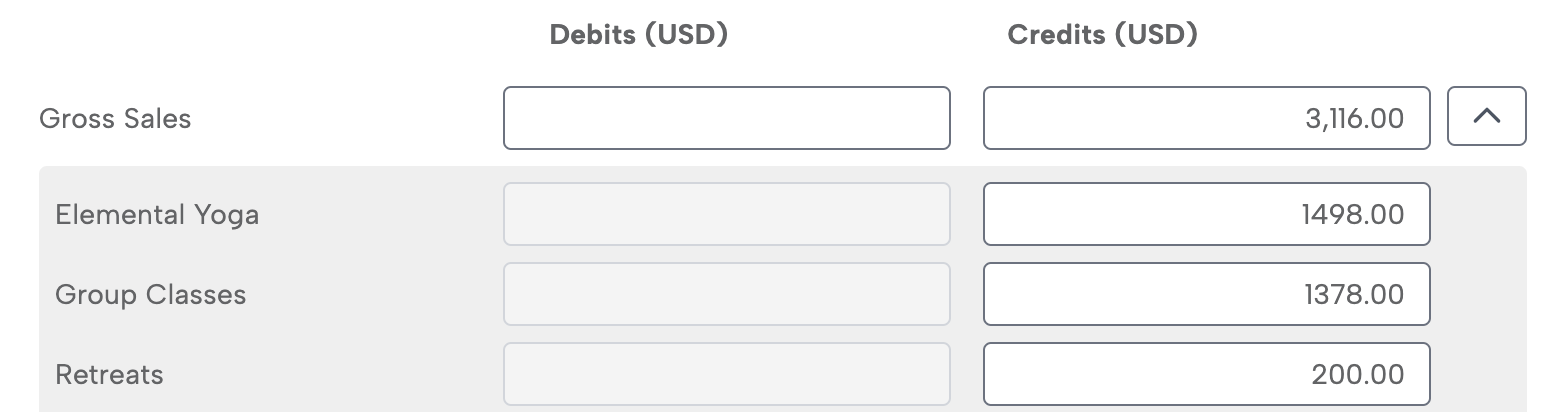
Subcategories can be expanded for a specific journal entry line by clicking the caret to the right. If the caret is not visible, it means that line has no additional detail or subcategories from Mindbody.
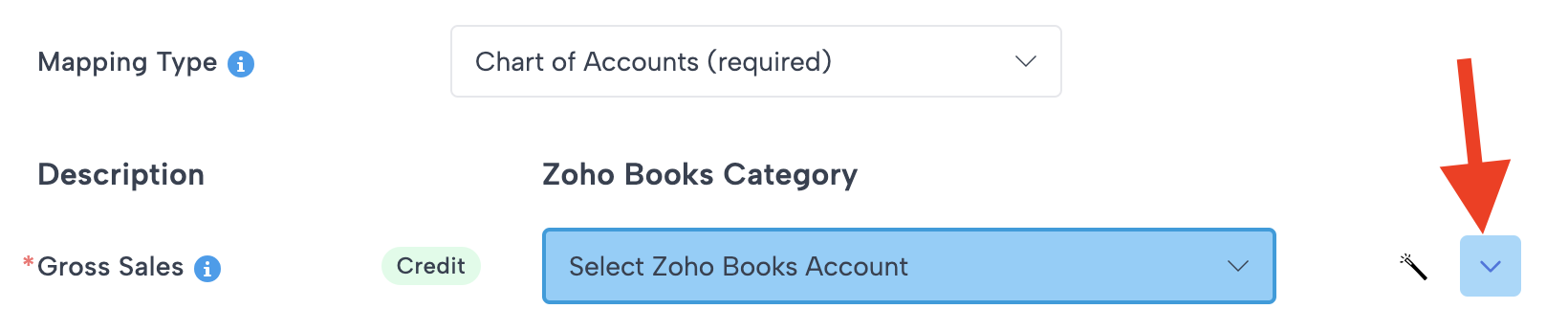
Optional Subcategory Mapping
In the Mindbody Sales Summary, Bookkeep provides either Product Categories or Item Names (from your Mindbody setup) as subcategories for gross sales and returns. You can choose to break down sales and returns at whichever level provides the best reporting clarity.
If you do not already have accounts created in your accounting platform, you can click the magic wand icon to the right of each line. This automatically creates an account in your accounting platform and maps the line to that newly created account.

Once mapped, gross sales will consistently post to the correct category or item account in your accounting system. Refunds or returns can also be mapped to the same accounts, giving you a clear view of how specific services or items are performing and trending over time.
Default Rollup Method
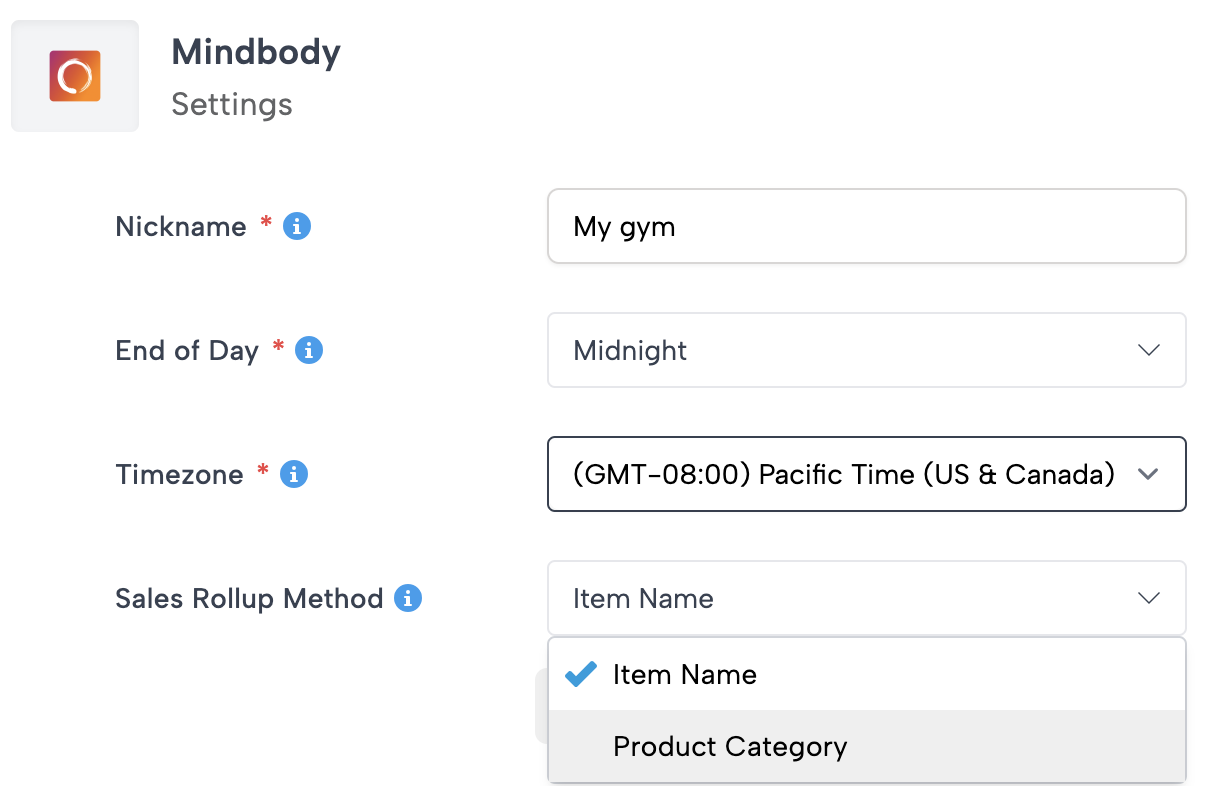
By default, Bookkeep posts Mindbody revenue by Product Category. However, if you prefer to roll up sales and returns by Item Name, you can change this setting.
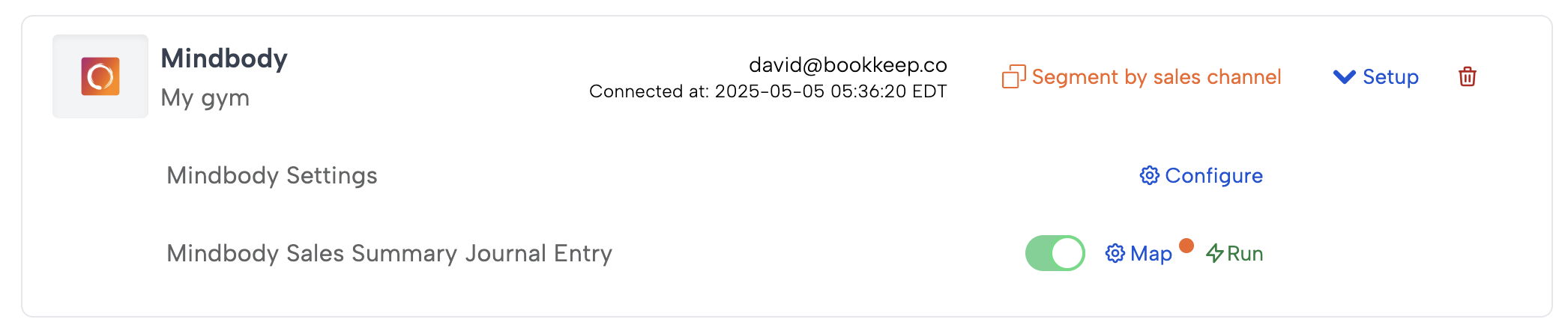
Navigate to your Connections page and open the My Apps tab. Find your Mindbody connection and select Configure.
A modal will appear where you can switch the Rollup Method from Product Category (default) to Item Name.
If you have any questions about mapping Mindbody sales or configuring your revenue detail, feel free to contact us at support@bookkeep.com.